
AJAX Contact Form (No Page Reload)
A contact form that submits via fetch() instead of a full page reload. Shows inline success or error messages. Great for single-page apps, modals, or anywhere you want a seamless user experience. For full validation and error handling, see the JavaScript contact form guide.
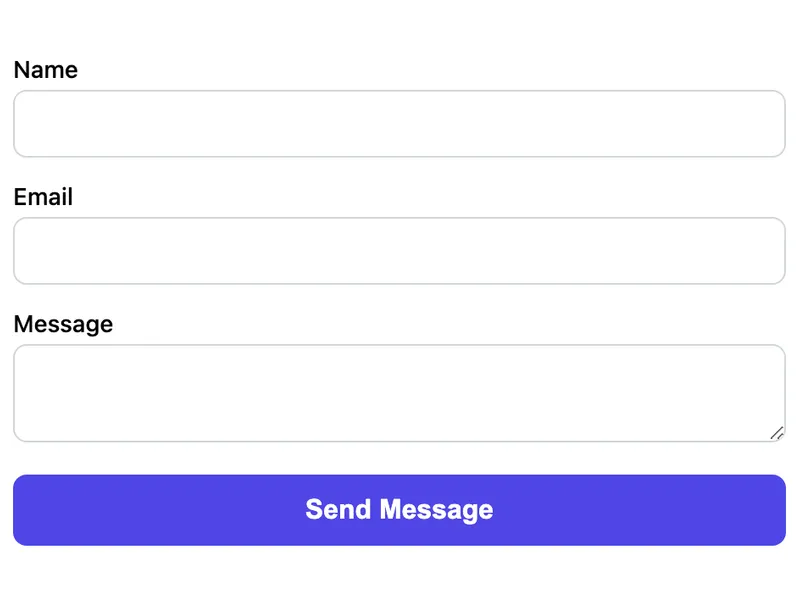
Template Code
<form id="contact-form" action="https://app.formwit.com/api/s/YOUR_FORM_ID" method="POST">
  <label for="name">Name</label>
  <input type="text" id="name" name="name" required />

  <label for="email">Email</label>
  <input type="email" id="email" name="email" required />

  <label for="message">Message</label>
  <textarea id="message" name="message" required></textarea>

  <input type="text" name="_gotcha" style="display:none" tabindex="-1" autocomplete="off" />

  <button type="submit">Send Message</button>
  <p id="form-status" style="display:none"></p>
</form>

<script>
  const form = document.getElementById('contact-form');
  const status = document.getElementById('form-status');

  form.addEventListener('submit', async (e) => {
    e.preventDefault();
    const data = new FormData(form);

    try {
      const response = await fetch(form.action, {
        method: 'POST',
        body: data,
      });

      if (response.ok) {
        status.textContent = 'Message sent successfully!';
        status.style.display = 'block';
        status.style.color = '#16a34a';
        form.reset();
      } else {
        throw new Error('Failed to send');
      }
    } catch (error) {
      status.textContent = 'Something went wrong. Please try again.';
      status.style.display = 'block';
      status.style.color = '#dc2626';
    }
  });
</script>
Want to customize?
Build your own form visually with our free HTML form generator.
Try the Form Generator →Use cases
- Single-page applications (SPAs)
- Modal or popup contact forms
- Sites where page reloads break the user flow
- Forms embedded in complex UI layouts
Customization tips
- Add a loading spinner by disabling the button and showing a spinner element during fetch
- Customize the success/error messages and colors
- Add client-side validation before the fetch call for instant feedback
- Redirect after success with
window.location.href = "/thank-you"
Related guide
Want a step-by-step walkthrough? Read the full JavaScript Contact Form Guide.
Related templates
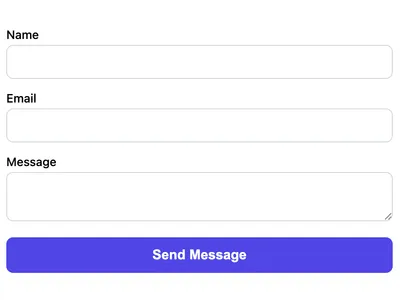
Basic Contact Form
A minimal HTML contact form with name, email, and message fields. Works on any website with no CSS framework required.
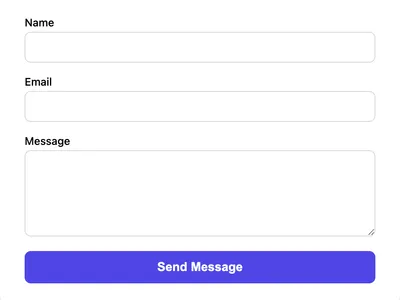
Styled Contact Form (CSS)
A clean, styled contact form using vanilla CSS. Responsive layout with proper spacing, focus states, and a polished look.
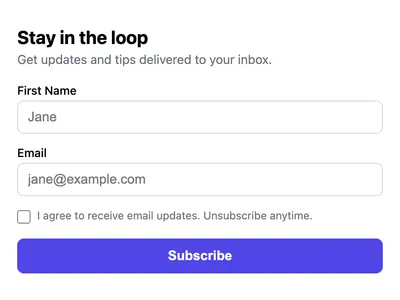
Newsletter Signup Form
A simple newsletter signup form with email, name, and consent checkbox. Collect subscribers without a mailing list service.
Frequently asked questions
Does this form work without JavaScript?
Can I use this with React or Vue?
How do I show a loading state?
Get your form working in 30 seconds
- No credit card required
- Unlimited forms
- 100 submissions/month free