
Bug Report Form
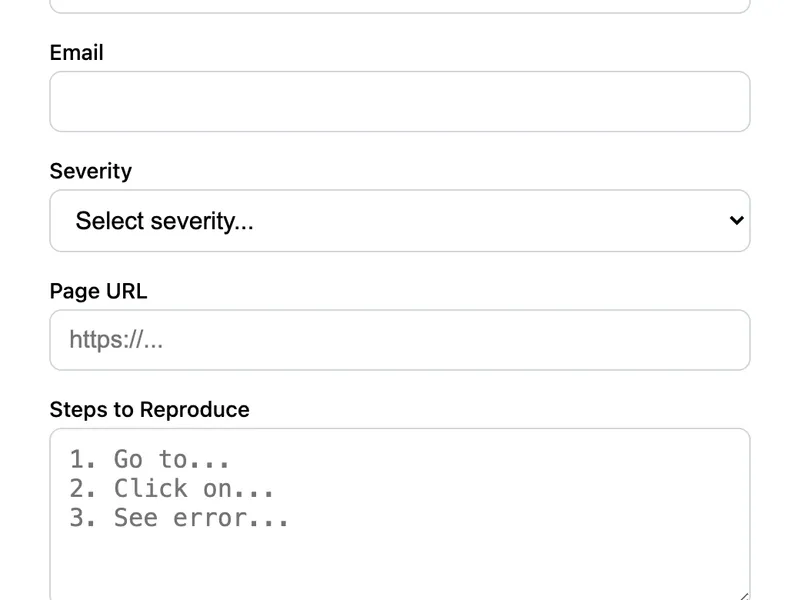
A structured bug report form for software products. Includes severity level, the URL where the bug occurred, steps to reproduce, and an optional file upload for screenshots. Helps your team triage issues faster with consistent, well-structured reports.
Template Code
<form action="https://app.formwit.com/api/s/YOUR_FORM_ID" method="POST" enctype="multipart/form-data"
style="max-width:480px;margin:0 auto;font-family:system-ui,sans-serif">
<h2 style="margin:0 0 4px;font-size:22px;font-weight:700">Report a Bug</h2>
<p style="margin:0 0 20px;font-size:15px;color:#6b7280">Help us fix issues by providing details below.</p>
<div style="margin-bottom:16px">
<label for="name" style="display:block;margin-bottom:4px;font-weight:500;font-size:14px">Your Name</label>
<input type="text" id="name" name="name" required
style="width:100%;padding:10px 12px;border:1px solid #d1d5db;border-radius:8px;font-size:16px;box-sizing:border-box" />
</div>
<div style="margin-bottom:16px">
<label for="email" style="display:block;margin-bottom:4px;font-weight:500;font-size:14px">Email</label>
<input type="email" id="email" name="email" required
style="width:100%;padding:10px 12px;border:1px solid #d1d5db;border-radius:8px;font-size:16px;box-sizing:border-box" />
</div>
<div style="margin-bottom:16px">
<label for="severity" style="display:block;margin-bottom:4px;font-weight:500;font-size:14px">Severity</label>
<select id="severity" name="severity" required
style="width:100%;padding:10px 12px;border:1px solid #d1d5db;border-radius:8px;font-size:16px;box-sizing:border-box;background:white">
<option value="">Select severity...</option>
<option value="Low">Low - cosmetic issue</option>
<option value="Medium">Medium - feature partially broken</option>
<option value="High">High - feature completely broken</option>
<option value="Critical">Critical - app is unusable</option>
</select>
</div>
<div style="margin-bottom:16px">
<label for="url" style="display:block;margin-bottom:4px;font-weight:500;font-size:14px">Page URL</label>
<input type="url" id="url" name="url" placeholder="https://..."
style="width:100%;padding:10px 12px;border:1px solid #d1d5db;border-radius:8px;font-size:16px;box-sizing:border-box" />
</div>
<div style="margin-bottom:16px">
<label for="steps" style="display:block;margin-bottom:4px;font-weight:500;font-size:14px">Steps to Reproduce</label>
<textarea id="steps" name="steps" rows="5" required placeholder="1. Go to... 2. Click on... 3. See error..."
style="width:100%;padding:10px 12px;border:1px solid #d1d5db;border-radius:8px;font-size:16px;box-sizing:border-box;resize:vertical"></textarea>
</div>
<div style="margin-bottom:16px">
<label for="screenshot" style="display:block;margin-bottom:4px;font-weight:500;font-size:14px">Screenshot (optional)</label>
<input type="file" id="screenshot" name="screenshot" accept="image/*"
style="width:100%;font-size:14px" />
</div>
<input type="text" name="_gotcha" style="display:none" tabindex="-1" autocomplete="off" />
<button type="submit"
style="width:100%;padding:12px;background:#4f46e5;color:white;border:none;border-radius:8px;font-size:16px;font-weight:600;cursor:pointer">
Submit Bug Report
</button>
</form>Want to customize?
Build your own form visually with our free HTML form generator.
Try the Form Generator →Use cases
- SaaS products with a public bug report page
- Open-source project issue intake
- Internal tools bug tracking
- Beta testing feedback collection
Customization tips
- Customize severity levels to match your team's triage process
- Add a "Browser / OS" field for environment details
- Add an "Expected vs. Actual Behavior" textarea for clearer reports
- Remove the file upload field if you don't need screenshots (also removes the Starter plan requirement)
Related guide
Want a step-by-step walkthrough? Read the full Form to Email Guide.
Related templates
Feedback Form
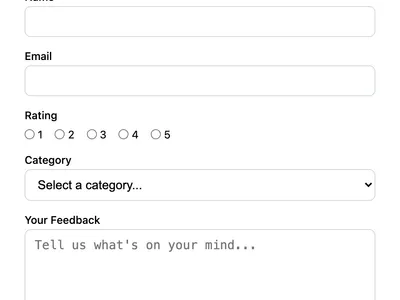
Collect user feedback with a rating, category, and message. Great for product feedback, customer satisfaction, or feature requests.
Contact Form with File Upload
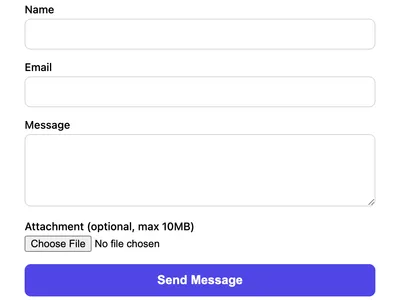
A contact form that accepts file attachments. Supports images, PDFs, and documents up to 10MB.
Multi-Field Contact Form
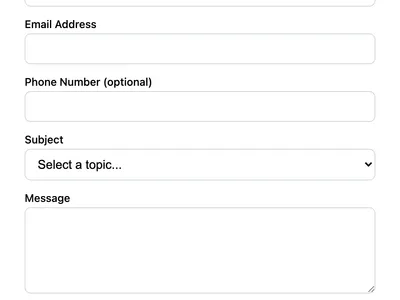
A contact form with phone number, subject dropdown, and message fields. Ideal for business websites that need structured inquiries.
Frequently asked questions
Can I connect bug reports to GitHub Issues?
Is the file upload required?
Do I need a paid plan for the screenshot upload?
enctype attribute from the form.Get your form working in 30 seconds
- No credit card required
- Unlimited forms
- 100 submissions/month free