
Form with Custom Redirect
By default, FormWit shows a generic confirmation page after submission. This template uses the _redirect hidden field to send users to your own thank-you page instead. This lets you control the post-submission experience: show a branded page, offer a next step, or track conversions. See the fields reference for all special fields.
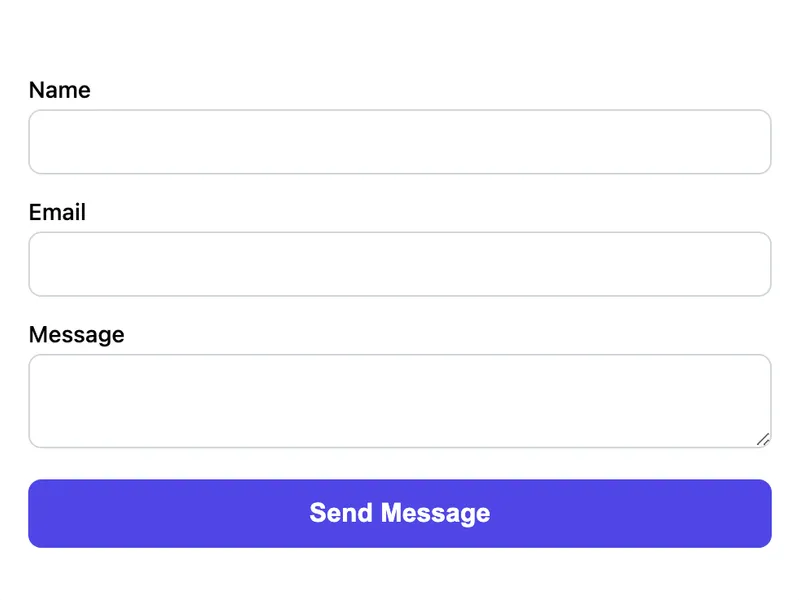
Template Code
<form action="https://app.formwit.com/api/s/YOUR_FORM_ID" method="POST">
  <!-- Redirect to your thank-you page after submission -->
  <input type="hidden" name="_redirect" value="https://yoursite.com/thank-you" />

  <label for="name">Name</label>
  <input type="text" id="name" name="name" required />

  <label for="email">Email</label>
  <input type="email" id="email" name="email" required />

  <label for="message">Message</label>
  <textarea id="message" name="message" required></textarea>

  <!-- Honeypot spam protection -->
  <input type="text" name="_gotcha" style="display:none" tabindex="-1" autocomplete="off" />

  <button type="submit">Send Message</button>
</form>
Want to customize?
Build your own form visually with our free HTML form generator.
Try the Form Generator →Use cases
- Thank-you pages with conversion tracking pixels
- Post-submission upsells or next-step CTAs
- Branded confirmation pages matching your site design
- Redirect to a download link after form submission
Customization tips
- Change the
_redirectvalue to any URL — your own site, a Calendly link, a download page - Create a dedicated
/thank-youpage with your tracking pixels (Google Ads, Facebook Pixel) - Add a
_subjecthidden field to customize the email notification subject line - Combine with the styled or Tailwind templates for a polished look
Related guide
Want a step-by-step walkthrough? Read the full Well-Known Fields Reference.
Related templates
Basic Contact Form
A minimal HTML contact form with name, email, and message fields. Works on any website with no CSS framework required.
Form with Hidden Fields (UTM Tracking)
A contact form with hidden fields that capture UTM parameters, referrer, and page URL for lead attribution.
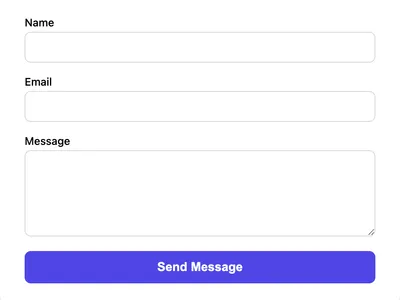
Styled Contact Form (CSS)
A clean, styled contact form using vanilla CSS. Responsive layout with proper spacing, focus states, and a polished look.
Frequently asked questions
Does the redirect require a paid plan?
Can I redirect to an external URL?
_redirect field accepts any valid URL — your own domain, a third-party service, or even a file download link. What happens if the redirect URL is invalid?
Get your form working in 30 seconds
- No credit card required
- Unlimited forms
- 100 submissions/month free