
Multi-Field Contact Form
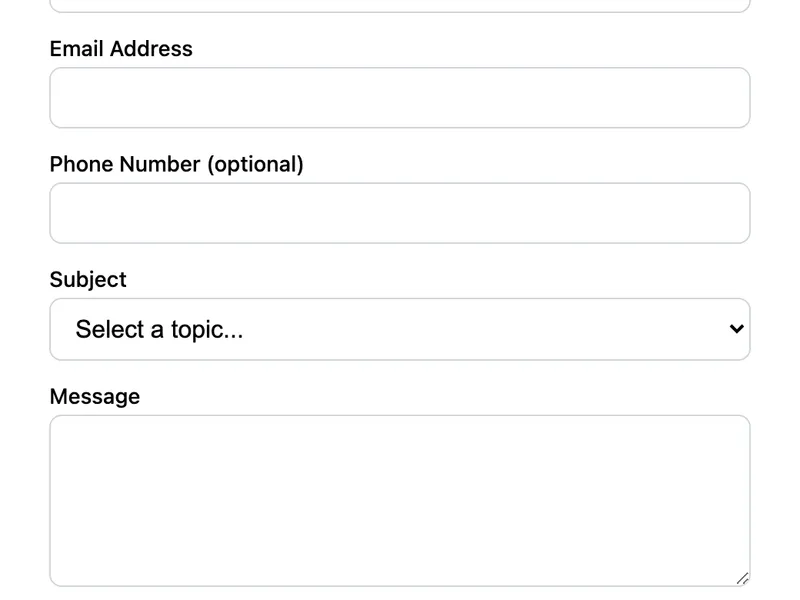
A contact form with extra fields for phone number and subject category. The dropdown lets visitors categorize their inquiry (General, Support, Sales, Partnership) so you can route messages more efficiently. Great for business sites that need structured submissions.
Template Code
<form action="https://app.formwit.com/api/s/YOUR_FORM_ID" method="POST">
  <label for="name">Full Name</label>
  <input type="text" id="name" name="name" required />

  <label for="email">Email Address</label>
  <input type="email" id="email" name="email" required />

  <label for="phone">Phone Number (optional)</label>
  <input type="tel" id="phone" name="phone" />

  <label for="subject">Subject</label>
  <select id="subject" name="subject" required>
    <option value="">Select a topic...</option>
    <option value="General Inquiry">General Inquiry</option>
    <option value="Support">Support</option>
    <option value="Sales">Sales</option>
    <option value="Partnership">Partnership</option>
  </select>

  <label for="message">Message</label>
  <textarea id="message" name="message" rows="5" required></textarea>

  <input type="text" name="_gotcha" style="display:none" tabindex="-1" autocomplete="off" />

  <button type="submit">Send Message</button>
</form>
Want to customize?
Build your own form visually with our free HTML form generator.
Try the Form Generator →Use cases
- Business websites with multiple departments
- SaaS companies receiving sales and support inquiries
- Agency or freelancer websites with project types
- Any site needing categorized form submissions
Customization tips
- Change the
<option>values in the subject dropdown to match your departments or inquiry types - Make the phone field required by adding the
requiredattribute - Add a company name field:
<input type="text" name="company" /> - Add more dropdowns for budget range, project timeline, or how they found you
Related guide
Want a step-by-step walkthrough? Read the full Contact Form for Website Guide.
Related templates
Basic Contact Form
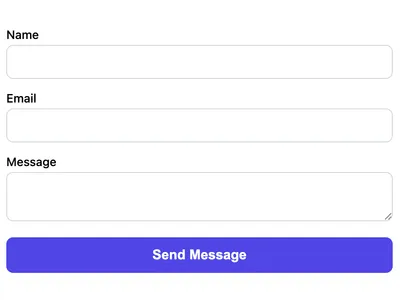
A minimal HTML contact form with name, email, and message fields. Works on any website with no CSS framework required.
Contact Form with File Upload
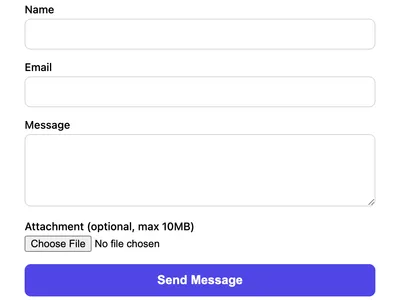
A contact form that accepts file attachments. Supports images, PDFs, and documents up to 10MB.
Feedback Form
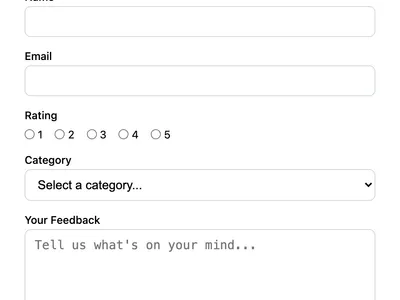
Collect user feedback with a rating, category, and message. Great for product feedback, customer satisfaction, or feature requests.
Frequently asked questions
Can I add more dropdown options?
<option> elements as you need inside the <select>. FormWit captures whatever value the user selects. How do I make the phone field required?
required attribute to the phone input: <input type="tel" name="phone" required />. Can I receive these submissions organized by subject?
Get your form working in 30 seconds
- No credit card required
- Unlimited forms
- 100 submissions/month free