
Styled Contact Form (CSS)
A ready-to-use contact form with inline CSS styling. Includes rounded inputs, proper spacing, and a polished submit button. No CSS framework needed. Just copy, paste, and replace your form ID. Works everywhere and looks professional out of the box.
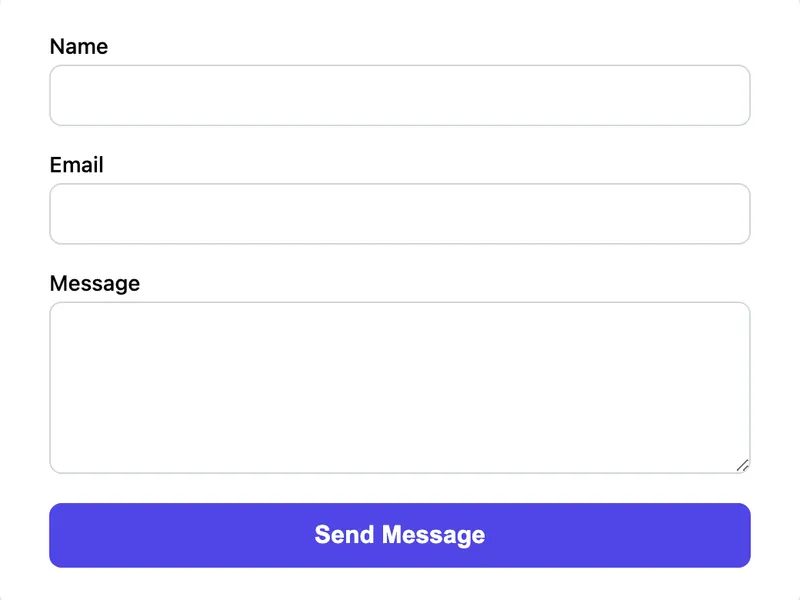
Template Code
<form action="https://app.formwit.com/api/s/YOUR_FORM_ID" method="POST" style="max-width:480px;margin:0 auto;font-family:system-ui,sans-serif">
  <div style="margin-bottom:16px">
    <label for="name" style="display:block;margin-bottom:4px;font-weight:500;font-size:14px">Name</label>
    <input type="text" id="name" name="name" required
      style="width:100%;padding:10px 12px;border:1px solid #d1d5db;border-radius:8px;font-size:16px;box-sizing:border-box" />
  </div>

  <div style="margin-bottom:16px">
    <label for="email" style="display:block;margin-bottom:4px;font-weight:500;font-size:14px">Email</label>
    <input type="email" id="email" name="email" required
      style="width:100%;padding:10px 12px;border:1px solid #d1d5db;border-radius:8px;font-size:16px;box-sizing:border-box" />
  </div>

  <div style="margin-bottom:16px">
    <label for="message" style="display:block;margin-bottom:4px;font-weight:500;font-size:14px">Message</label>
    <textarea id="message" name="message" rows="5" required
      style="width:100%;padding:10px 12px;border:1px solid #d1d5db;border-radius:8px;font-size:16px;box-sizing:border-box;resize:vertical"></textarea>
  </div>

  <input type="text" name="_gotcha" style="display:none" tabindex="-1" autocomplete="off" />

  <button type="submit"
    style="width:100%;padding:12px;background:#4f46e5;color:white;border:none;border-radius:8px;font-size:16px;font-weight:600;cursor:pointer">
    Send Message
  </button>
</form>
Want to customize?
Build your own form visually with our free HTML form generator.
Try the Form Generator →Use cases
- Websites without a CSS framework
- Landing pages that need a clean look fast
- Embedding in platforms with limited CSS support
- Email-friendly form designs
Customization tips
- Change
#4f46e5(indigo) to your brand color for the submit button - Adjust
max-width:480pxto make the form wider or narrower - Add
box-shadowto the form element for a card-like appearance - Change
border-radius:8pxvalues for sharper or rounder corners
Related guide
Want a step-by-step walkthrough? Read the full Simple Contact Form Guide.
Related templates
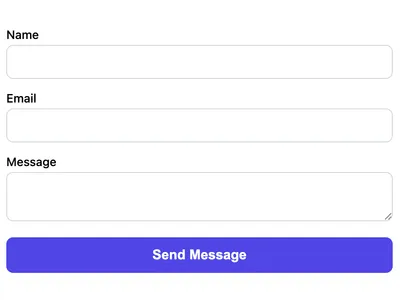
Basic Contact Form
A minimal HTML contact form with name, email, and message fields. Works on any website with no CSS framework required.
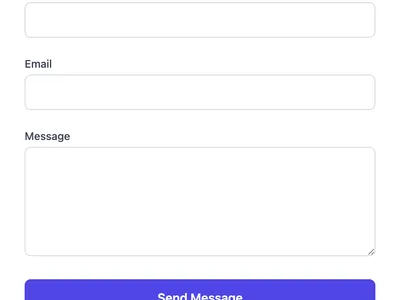
Tailwind CSS Contact Form
A contact form styled with Tailwind CSS utility classes. Drop this into any Tailwind project for a polished look.
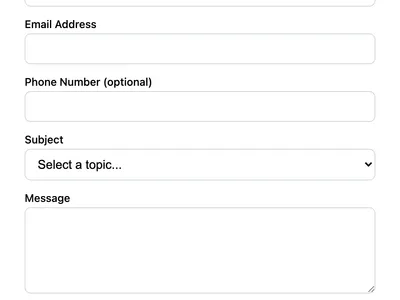
Multi-Field Contact Form
A contact form with phone number, subject dropdown, and message fields. Ideal for business websites that need structured inquiries.
Frequently asked questions
Why use inline styles instead of a stylesheet?
Can I move the styles to a CSS file instead?
Does this work on mobile devices?
width:100% and box-sizing:border-box so it adapts to any screen size. The max-width on the form element keeps it readable on large screens.Get your form working in 30 seconds
- No credit card required
- Unlimited forms
- 100 submissions/month free